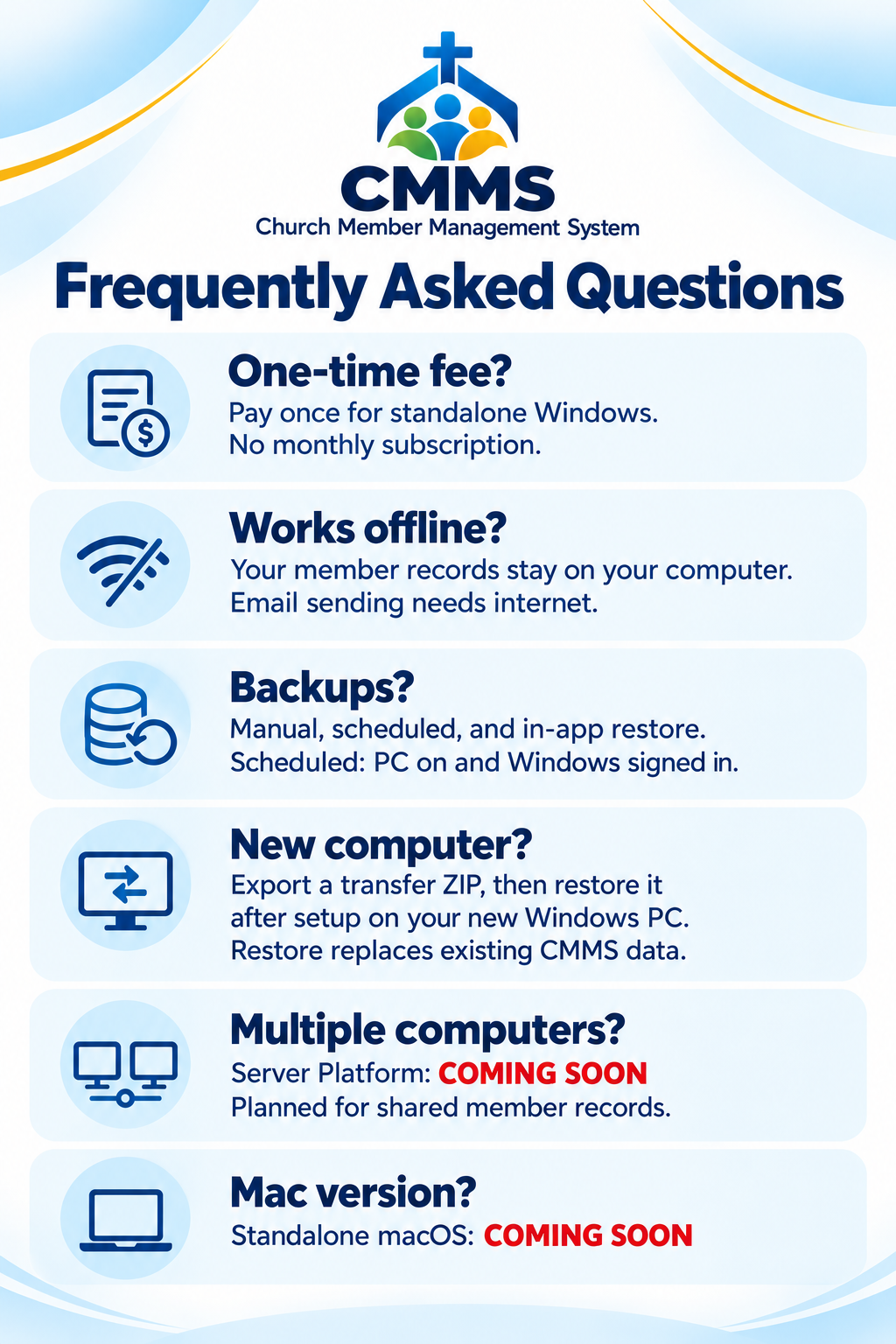
Frequently Asked Questions
-
No. The standalone Windows version has a one-time fee with no monthly subscription.
-
Yes. Member management works offline, and your records stay on your computer. Sending email requires your email application and an internet connection.
-
Yes. You can create manual backups, schedule automatic backups, and restore them in the app. Scheduled backups require your computer to be on and your Windows account signed in.
-
An administrator can use Export to another computer to save a transfer ZIP, then install CMMS and complete setup on the new Windows computer. Use File > Backups and Restore > Restore to bring over your members, photos, accounts, and organization settings. Restoring replaces any CMMS data already on the new computer. Afterward, sign in with a transferred account and set up backups again. If your old computer is unavailable, you will need a previously saved backup.
-
The current standalone version stores records locally. A Server Platform is coming soon, planned to let multiple computers access a central member database.
-
A standalone macOS version is coming soon. Release details and pricing will be announced when available.